// Contents
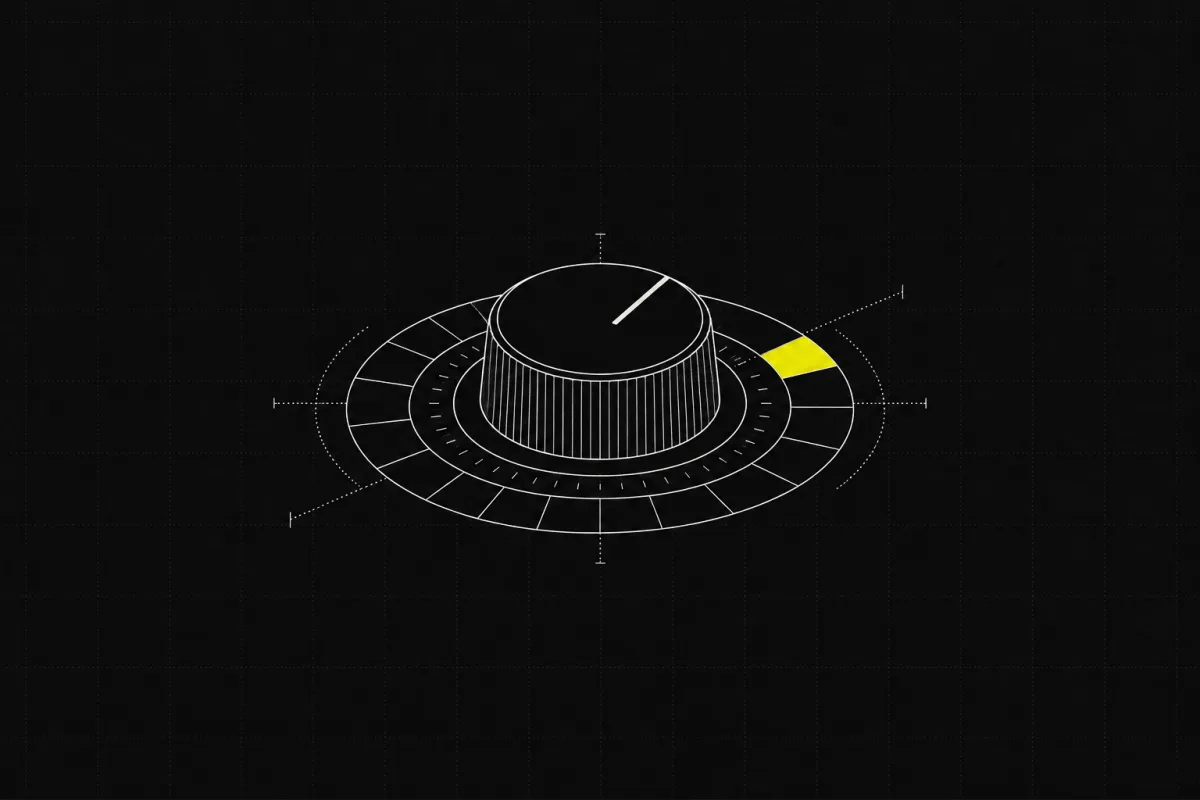
Open the crop tool in a photo editor and a knob on a music mixer can straighten the horizon. In a separate demo, the faders on that same Akai MIDIMix set the tempo of two tracks.
TangiMap uses a language model to decide which settings to put within reach. The person makes the adjustments. Yunyi Zhu of MIT and Chang Xiao of Boston University presented the prototype at the UIST conference in early November 2026. MIT published the demonstration on November 24.
A mixer finds work in the photo editor
With a mouse, you move from one on-screen slider to the next. On a mixer, you can move both controls at once and adjust the highlights and shadows without taking your eyes off the photo. First, each control needs a job.
The team had no preset layout for using the Akai mixer with Adobe Lightroom. TangiMap reads the editor’s screen to see which panel is open and which adjustments it shows. One panel offers separate hue, saturation, and lightness settings for eight colors. The software has to decide which settings to assign when there are more of them than there are controls.
The researchers used the MIDI2LR plug-in and a program of their own to route each movement on the mixer to the right Lightroom setting. Open the crop tool and the labels on the diagram change. A knob now rotates the photo. Figure 5 of the researchers’ paper shows that on-screen diagram and the same mixer in both roles.
Which knob gets which job?
TangiMap tells its language model what the task is, which settings are available, and how many knobs, buttons, and sliders the console has. The model gets rules, too. A button suits an effect you switch on and off. A slider works for a setting such as brightness, which can vary across a range. When there are too few controls of the right type, TangiMap keeps the functions the model ranked highest.
Conventional code decides where each function goes on the console. When two functions compete for the same knob, the one with more past assignments to that knob gets it. The software looks for a free control of the same type for the other function. That gives a familiar setting a better chance of staying where the user expects it.
The team also asked Blender to create a shiny blue cube with beveled edges. TangiMap used the wording of the request and the current scene to assign controls on a Monogram Creative Console. In the demo, a slider adjusted the shine and the knob beside it set the width of the bevel. The user could fine-tune the shape and surface by eye. The project page shows how the system labeled the console’s controls for that cube.
The performer keeps two faders
During a transition, the performer can reach for both tempo faders in their usual spots and line up the beats. A new layout takes effect when the performer presses an on-screen button. The music app in the demo has more than 100 functions, so TangiMap looks at the performer’s recent actions to decide which ones to put on the board. Looking for the next track calls for one set of controls. Mixing two tracks calls for another.
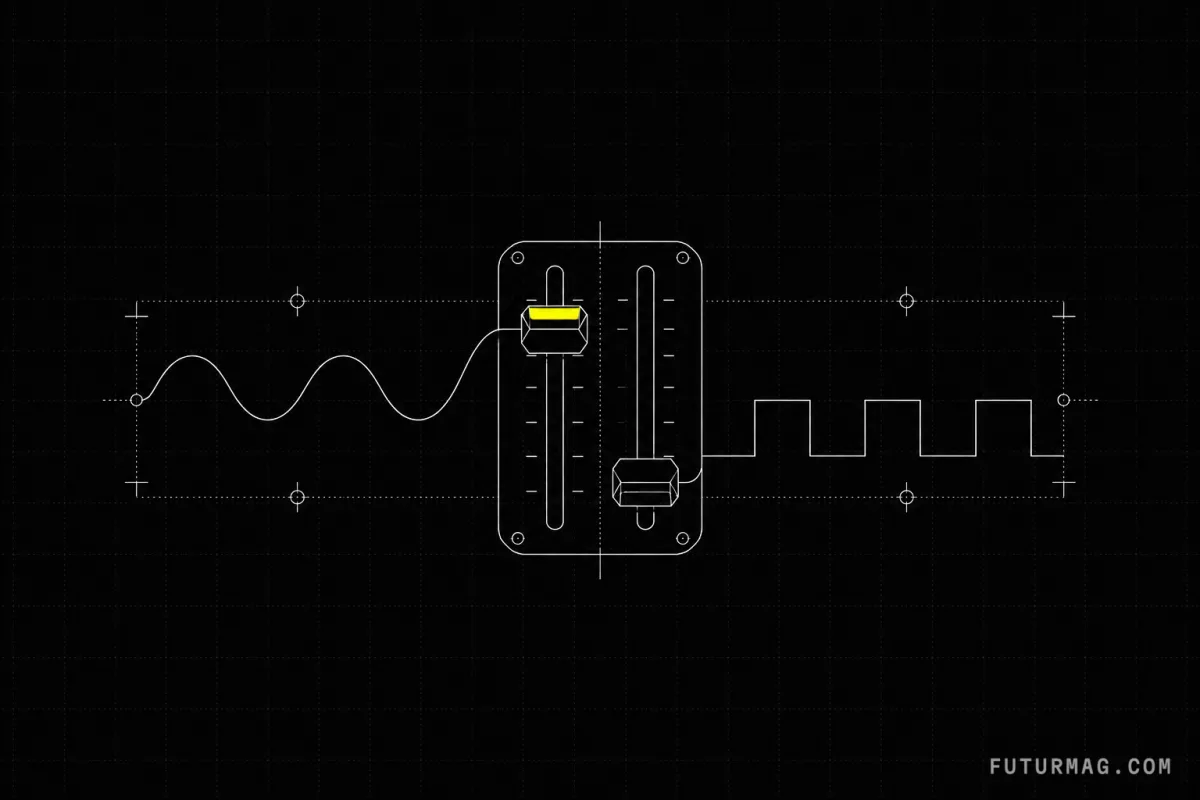
The layout follows Lightroom’s active tool. In the music app, the performer picks the moment to switch.
The animation demo put the icons on the buttons themselves. The researchers paired Adobe Character Animator with an Elgato Stream Deck+, which has a screen on each button. A custom plug-in copied the active character’s action icons to the buttons after the model read them from the app’s window. Pressing a button made the character move or change expression.
Where two commands traded places
The researchers collected 16 existing layouts containing 305 controls. For each one, they gave the model the list of functions and controls and compared its choices with the human-made layout. The control type matched for every function in 15 of the 16 layouts. The test distinguished a button from a knob or a slider. Two identical knobs counted as the same type even if they sat at opposite ends of the board.
Both mismatches came from a TourBox configured for the drawing app Clip Studio Paint. The model chose a button to switch between the current and previous colors and a knob to clear the selection. The existing layout had those assignments the other way around. Watching someone use the console while drawing could show which arrangement feels better.
TangiMap can reassign a control once it can reach the app’s commands. For the music demo, the team wrote the app and gave TangiMap access to the full list of functions. The Lightroom demo used a plug-in and a program to route the signals.
Zhu wants to test the prototype with users and see where they place their hands. In the paper, the team proposes letting people pin some controls while the ones beside them take on different jobs. When a photographer opens the crop tool, TangiMap puts rotation on a knob the photographer can turn. In the middle of a mix, a musician needs the tempo fader right where their hand reaches for it.